

What your customers see.
Nothing to download. It works in any phone browser.
Sign in with a mobile number
Enter the mobile number, type the 6-digit code, and you are in. New customers give only their name.
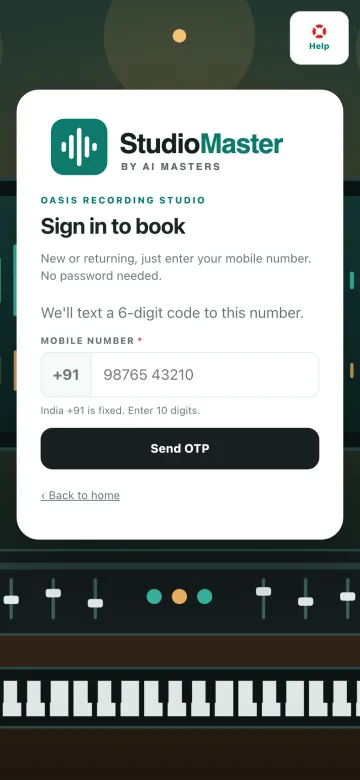
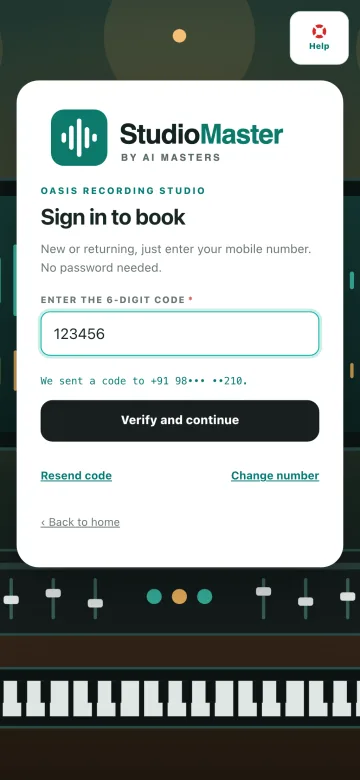
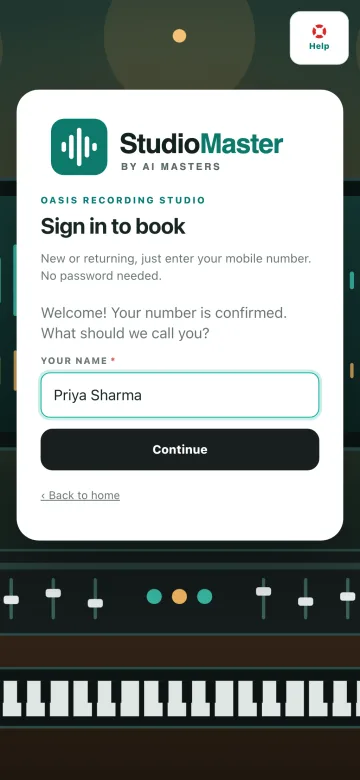
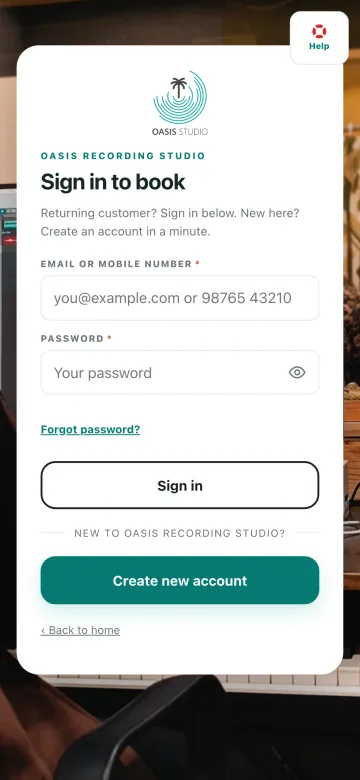
The studio's own booking page
A sign-in page in the studio's own look, then a booking page with its name and logo, banner, tagline, address, opening hours and price.
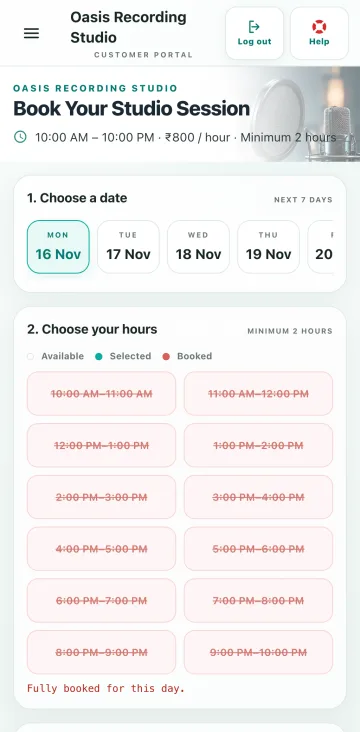
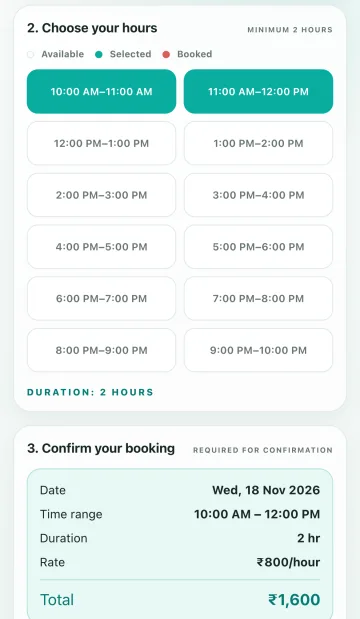
One tap selects 2 hours
At a 2-hour studio, tapping 10 selects 10 to 12. The date, time range, duration and total update with every tap.
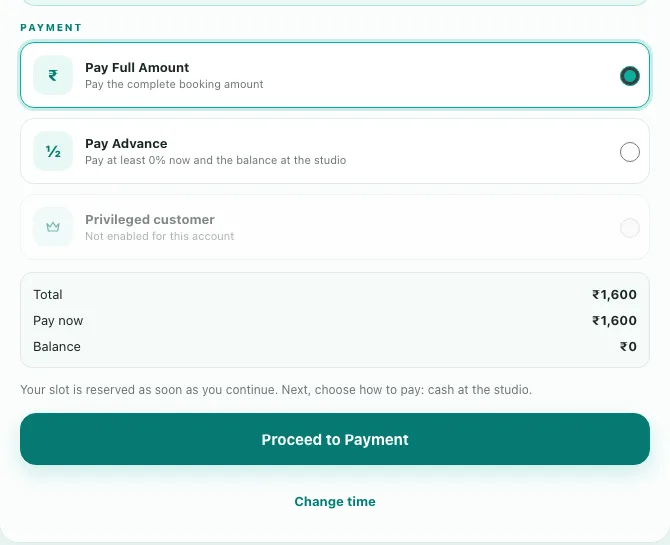
Pay the way the studio allows
Pay in full, pay an advance, or book as a privileged customer. Choosing hours reserves nothing: the booking is made with one Confirm click.
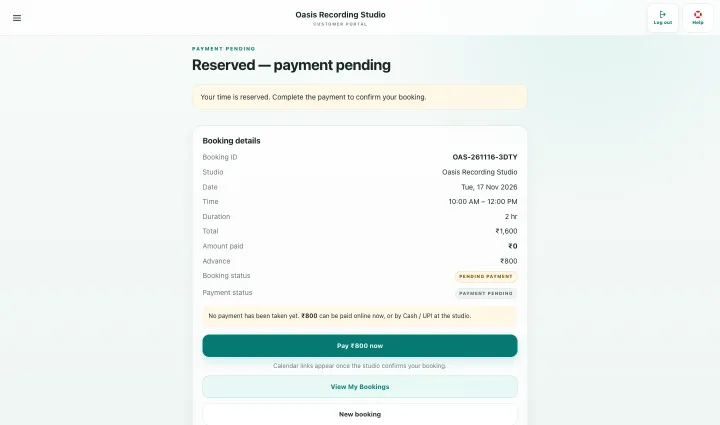
A booking ID and a clear status
"Reserved, payment pending" or "Confirmed", in plain words. Add the booking to Google Calendar, or download a calendar file for any other calendar.
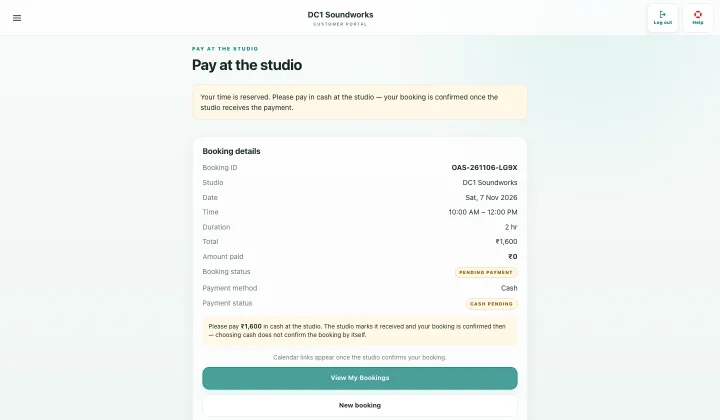
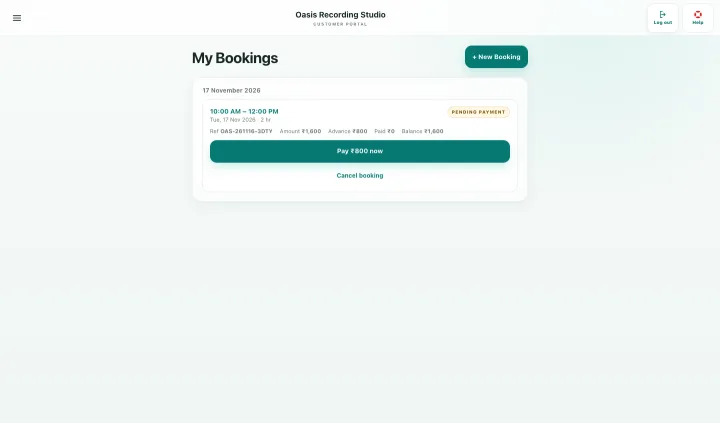
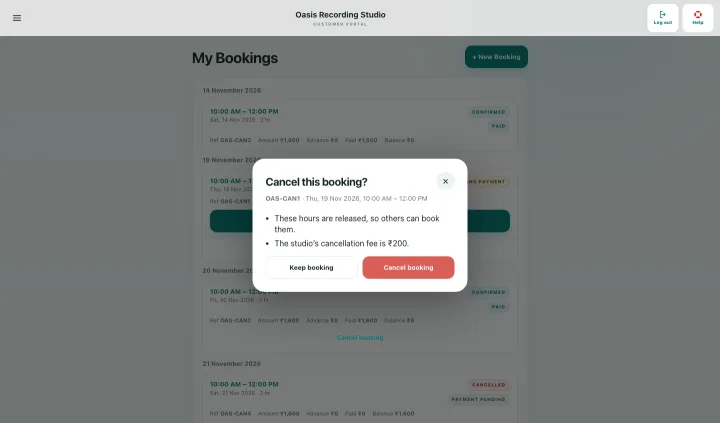
My Bookings, and cancelling
Upcoming and past bookings, with the booking ID, status and amount. Pay later from here. Before cancelling, the customer sees the cancellation fee.
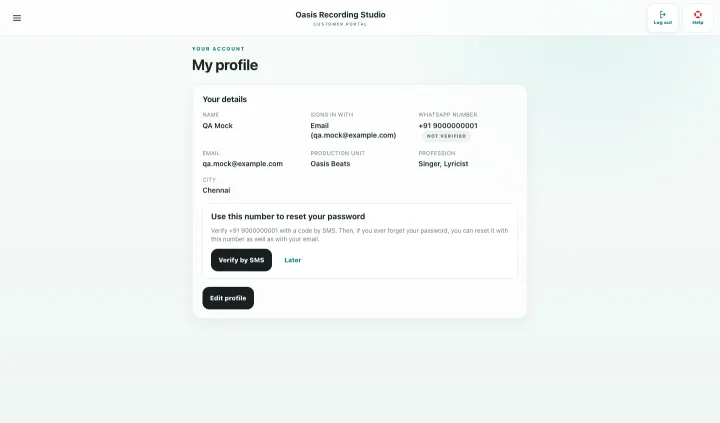
My Profile
Name, city and profession, plus a backup mobile and a backup email to recover the account.
Built-in help
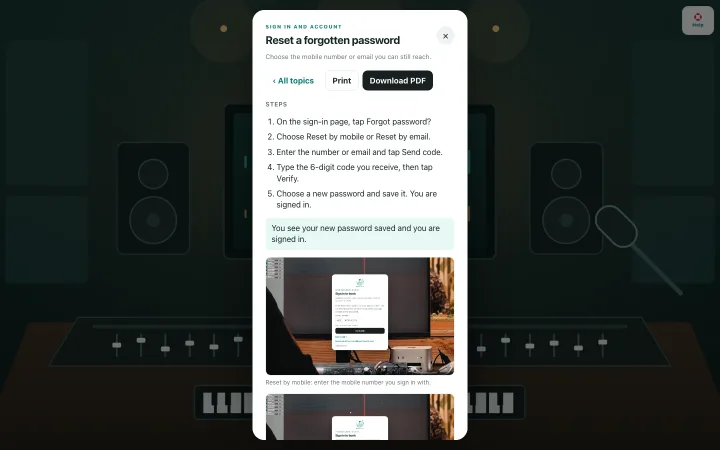
Step-by-step guides with pictures that can be printed or saved as PDF.
Light and dark mode
Made for phones: it works in any phone browser, in light and in dark.
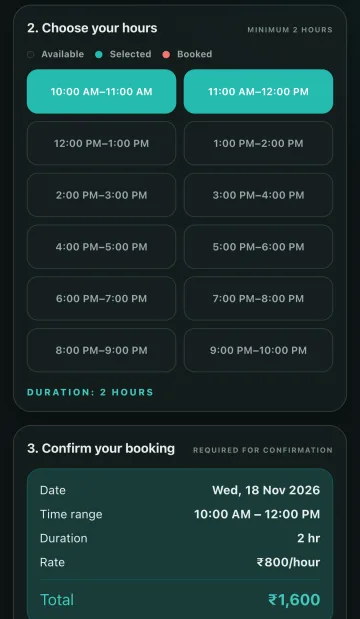
Prices on the screens are the demo studio's own settings, not StudioMaster's price.
Ready to take bookings online?
Or write to support@aimastersindia.com